Introduction
As organizations expand across multiple locations, managing digital displays manually becomes increasingly difficult. Whether operating retail stores, restaurants, corporate offices, healthcare facilities, or educational institutions, maintaining consistent content across dozens or even hundreds of screens can quickly become a challenge.
A centralized digital signage dashboard solves this problem by allowing businesses to manage all displays from a single platform.
The Challenge of Multi-Screen Management
Many organizations start with a few screens and manually update content using USB drives or local systems.
As deployments grow, businesses often face:
Inconsistent content across locations
Time-consuming updates
Lack of visibility into device status
Scheduling difficulties
Increased operational costs
Without centralized control, managing digital signage at scale becomes inefficient.
What Is a Centralized Digital Signage Dashboard?
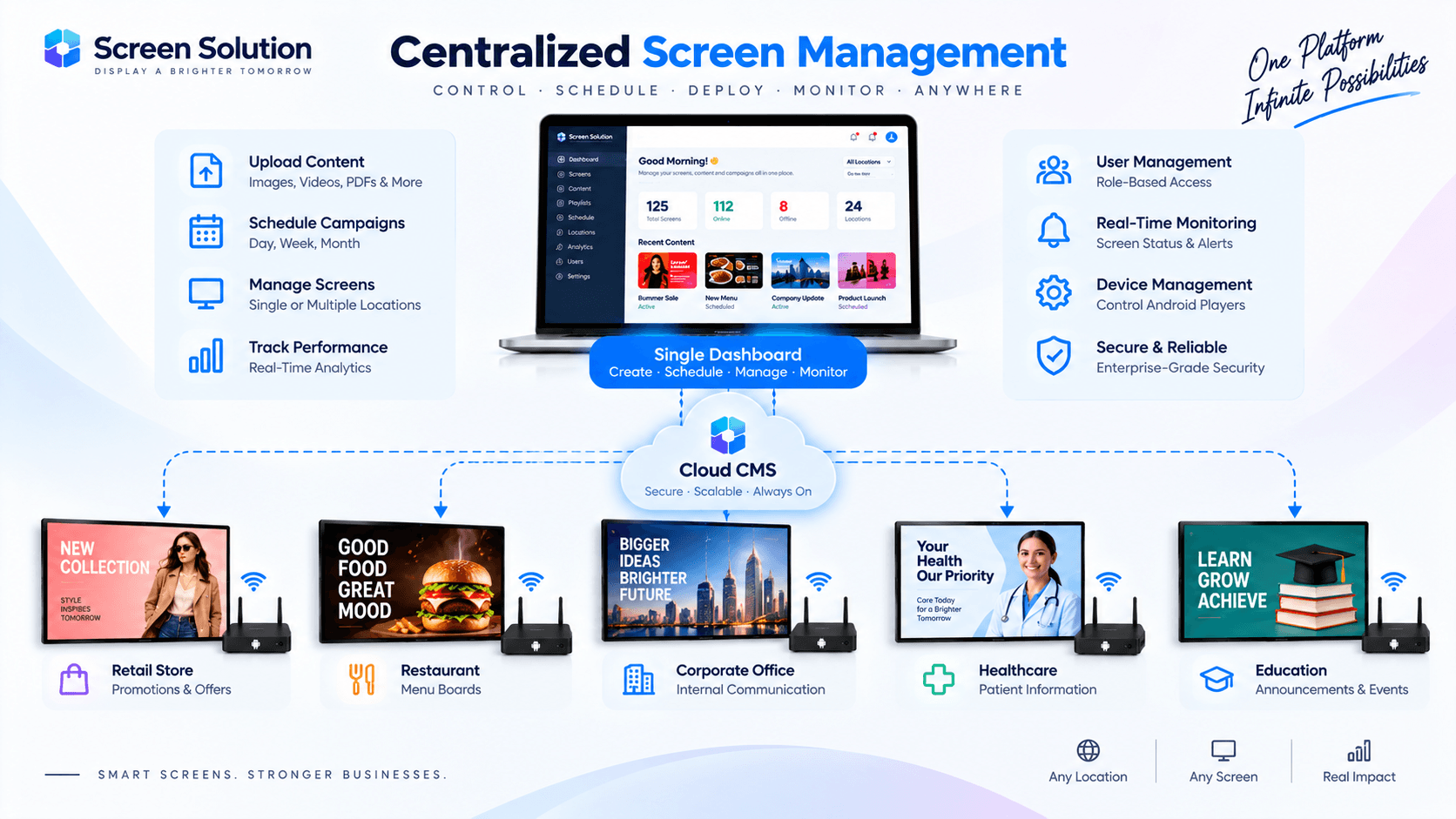
A centralized dashboard is a cloud-based content management system (CMS) that enables administrators to control all connected screens from one interface.
Using a single dashboard, organizations can:
Upload content
Create playlists
Schedule campaigns
Monitor device health
Manage user permissions
Publish updates remotely
How the System Works
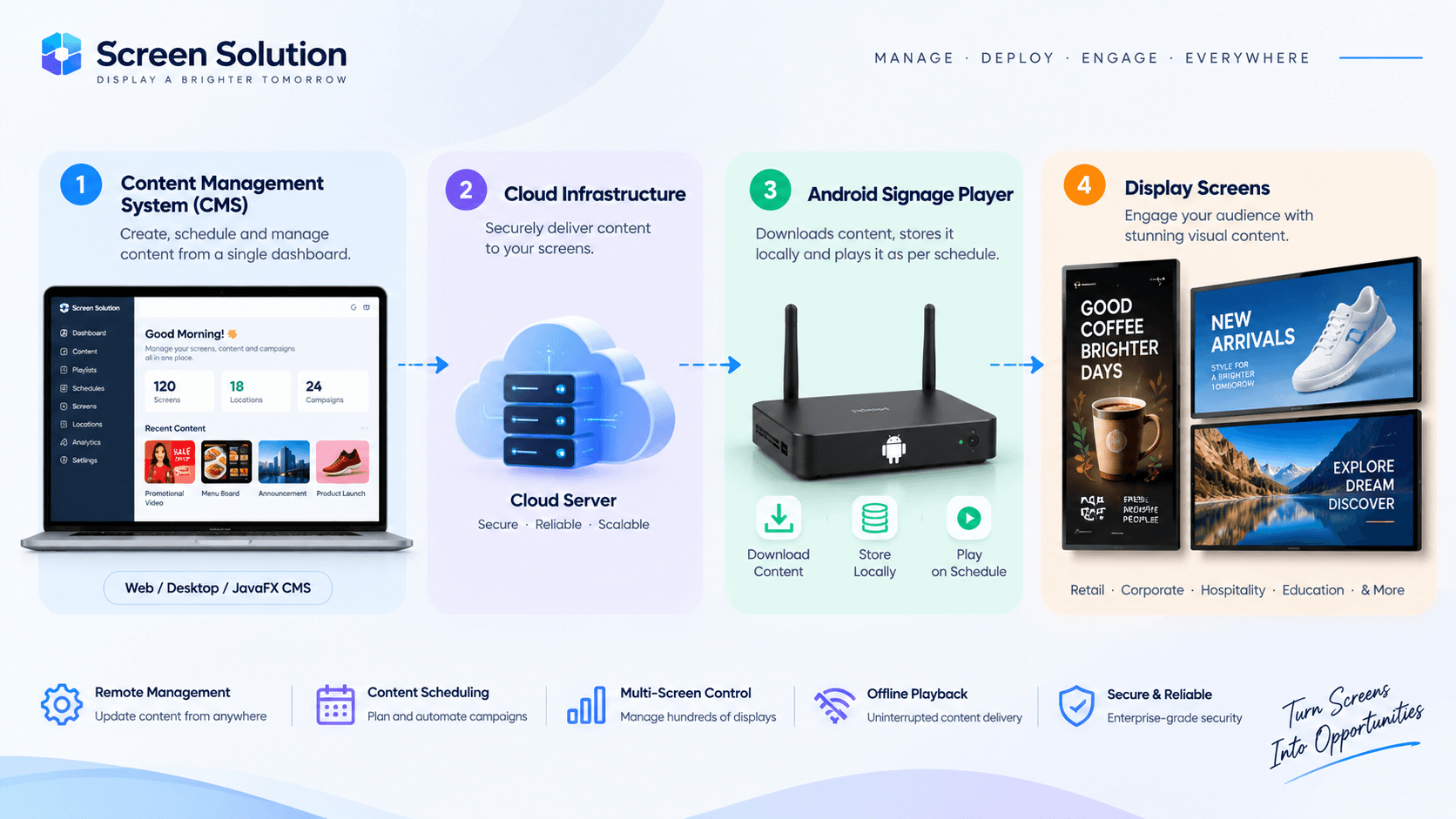
A modern digital signage ecosystem typically includes:
Content Management System (CMS)
The CMS acts as the command center for content creation and management.
Cloud Infrastructure
Content and schedules are securely distributed through cloud services.
Android Signage Players
Players receive content updates and display media according to configured schedules.
Display Screens
Screens present content to customers, employees, and visitors.
Key Benefits of Centralized Management
Remote Content Updates
Administrators can publish new content to every screen without visiting individual locations.
Consistent Branding
Organizations ensure that all locations display approved content and messaging.
Advanced Scheduling
Campaigns can be scheduled days, weeks, or months in advance.
Real-Time Monitoring
Device health, connectivity, and playback status can be monitored from a central dashboard.
Reduced Operational Costs
Centralized management eliminates manual updates and reduces maintenance overhead.
Managing Multiple Locations
Businesses operating across multiple sites can group displays by:
Region
Store
Department
Campaign
Screen Type
This makes large-scale deployments easier to manage and maintain.
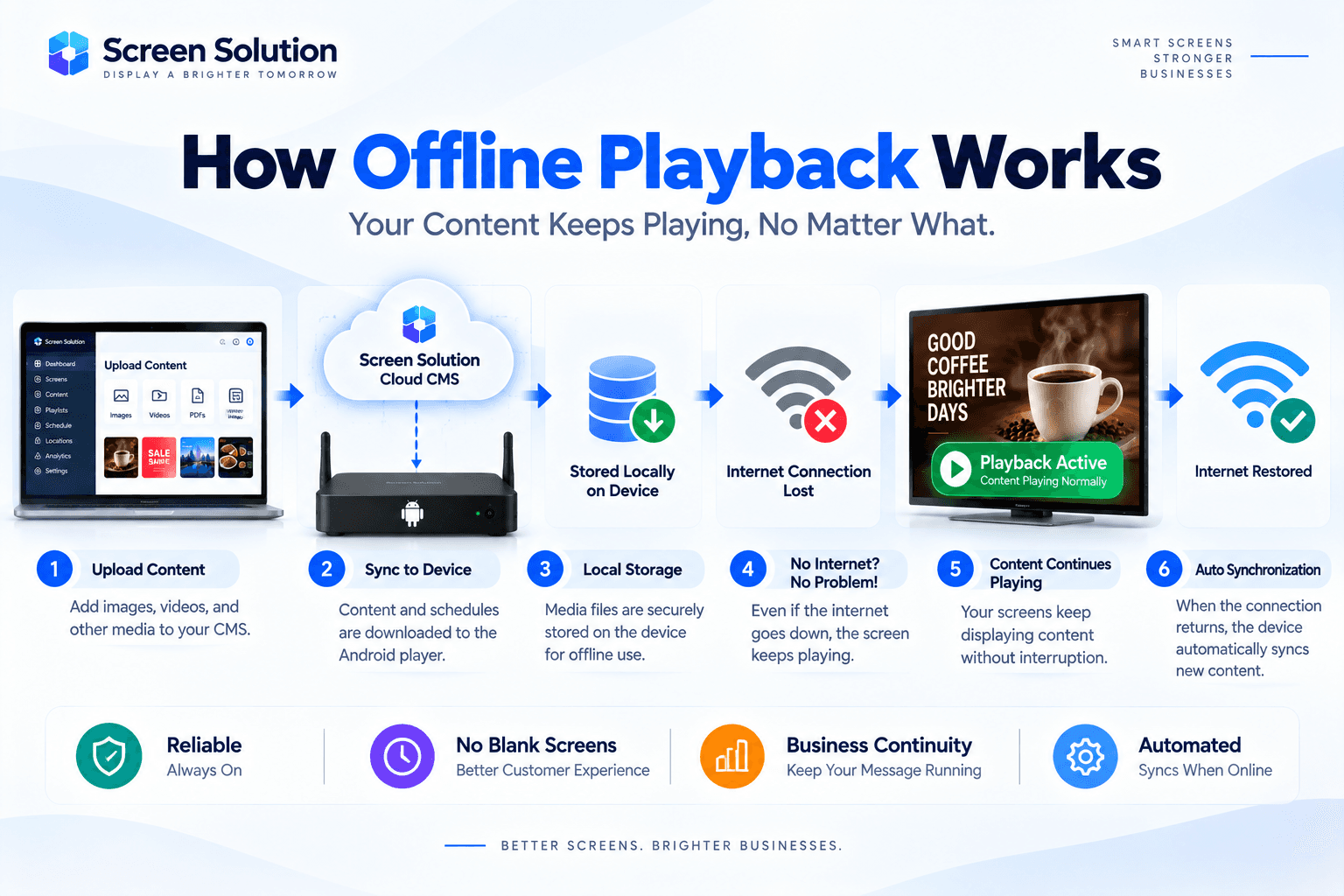
Offline Playback Support
A reliable signage platform should continue functioning even during internet interruptions.
Modern Android signage players store content locally and continue playback until connectivity is restored.
Once reconnected, devices automatically synchronize with the CMS.
Security and User Management
Enterprise organizations often require multiple user roles.
Examples include:
Administrators
Marketing Teams
Regional Managers
Content Editors
Role-based access control ensures users only access relevant functions.
Industry Applications
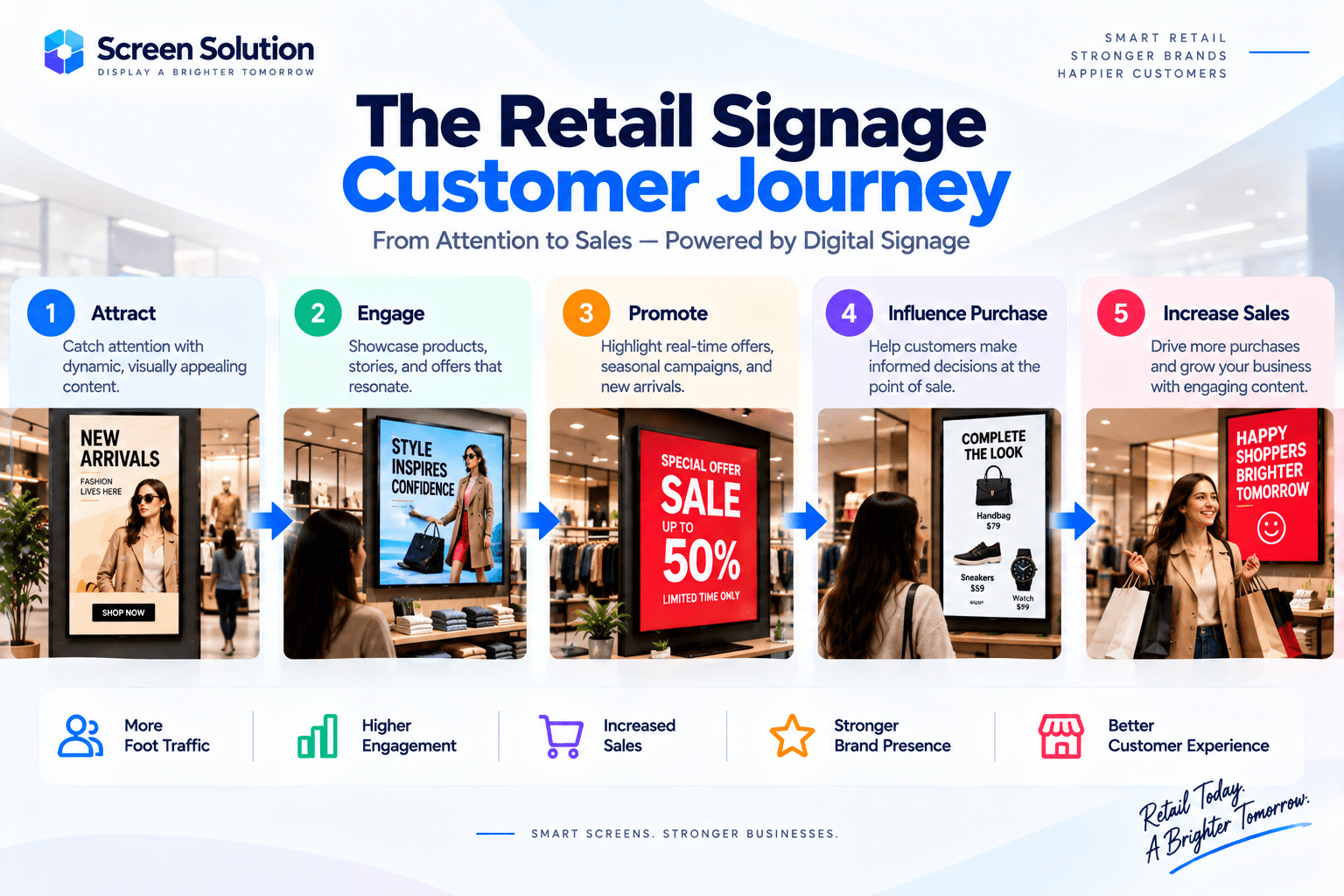
Retail Stores
Promotions, product launches, and seasonal campaigns.
Restaurants
Menu boards and promotional offers.
Healthcare Facilities
Patient communication and wayfinding.
Corporate Offices
Internal communication and KPI dashboards.
Educational Institutions
Announcements, schedules, and campus information.
Best Practices
To maximize effectiveness:
Organize displays into groups.
Use content scheduling.
Monitor device health regularly.
Maintain consistent branding.
Implement user permissions.
Use offline playback capabilities.
Conclusion
Managing multiple digital screens manually becomes increasingly complex as organizations grow. A centralized dashboard simplifies content distribution, monitoring, scheduling, and administration while reducing operational effort.
By combining cloud-based content management, Android signage players, and real-time monitoring, businesses can efficiently manage displays across multiple locations and deliver a consistent communication experience.